
The complete guide
Moving from spreadsheets to an ERP or CRM: a practical guide
Spreadsheets and WhatsApp groups work well when a business is small. As you grow, they start to slow you down. This guide explains how to tell when it's time for a CRM or ERP, how to plan the move and how to make the new system stick.
CRM vs ERP: what's the difference?
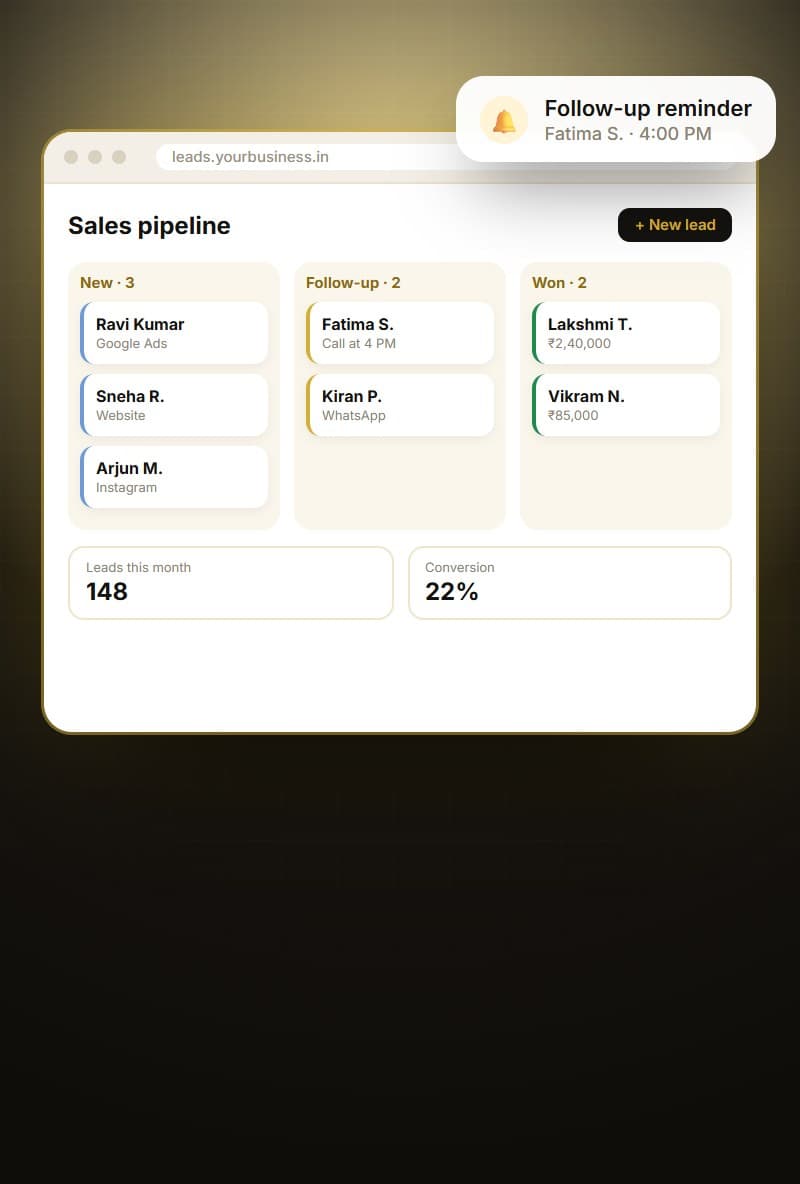
A CRM (customer relationship management) system focuses on customers and sales: capturing enquiries, tracking conversations, scheduling follow-ups, managing deals and measuring sales performance.
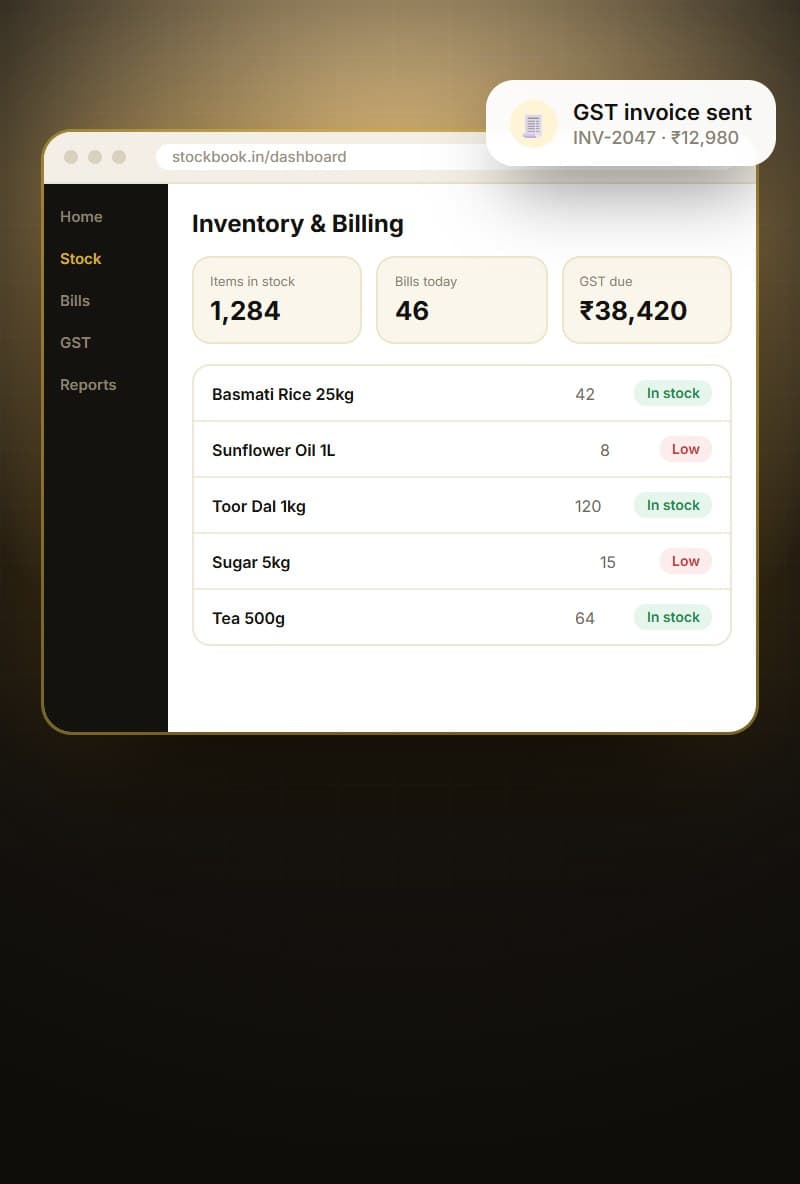
An ERP (enterprise resource planning) system focuses on operations: purchases, inventory, production, orders, billing, dispatch and often HR. Many growing businesses need both, connected so a closed sale flows smoothly into an order, invoice and delivery.
Signs you've outgrown spreadsheets
Common signs include missed follow-ups, frequent stock mismatches, multiple versions of the same spreadsheet, long hours preparing reports, errors in invoices and owners who can't get a clear picture without asking several people.
If several of these sound familiar, a structured system will likely save time and money, and reduce stress for everyone.
- Leads forgotten or followed up late
- Stock counts that don't match records
- Several versions of the same sheet
- Reports that take hours to prepare
- Billing errors and rework
- Owners chasing staff for updates
Off-the-shelf or custom?
Ready-made CRMs and ERPs can be a good fit if your processes are fairly standard and you're comfortable adapting to the software. Watch for per-user fees that grow with your team, features you'll never use, and limits on customisation.
Custom systems are designed around your exact workflow and can be more affordable long-term for larger teams. They take longer to build initially, so a phased approach is important.
Start with the biggest pain point
You don't need every module on day one. If leads are slipping through the cracks, start with the CRM. If stock is the problem, start with inventory. Getting one module live quickly builds confidence and shows value early.
Each later phase builds on the foundation of the first, connecting more parts of the business over time.
Design around roles
Different people need different views. A salesperson needs today's follow-ups and lead details. A warehouse manager needs pending dispatches and stock levels. An owner needs dashboards across the business.
Designing screens around each role keeps the system simple for everyone, rather than showing every feature to every user.
Data migration: plan it properly
Your existing customer lists, product catalogues, price lists and opening stock need to move into the new system. This is the moment to clean up duplicates, standardise names and remove outdated records.
Agree on a cut-over date, freeze changes to the old sheets, import the cleaned data and verify it with the team before going live.
Integrate with accounts and communication
Most Indian businesses use Tally or another accounting tool. Your CRM or ERP should send invoices and payments to it, avoiding double entry. Integration with WhatsApp and email lets your team send quotes, reminders and updates directly from the system.
Check integration options early, because they influence the design of the whole system.
Training and adoption
Plan role-based training, simple guides and a clear point of contact for questions. Make the new system the single source of truth: once it's live, decisions and reports should come only from it, not from old spreadsheets.
Celebrate early wins, collect feedback and make quick improvements in the first weeks. Adoption grows when people see the system making their work easier.
Keep improving
After launch, review usage and reports regularly. Add automation for repetitive steps, new reports for decisions and modules for other departments when ready.
A well-maintained system becomes the backbone of your business, giving you clarity and control as you grow.